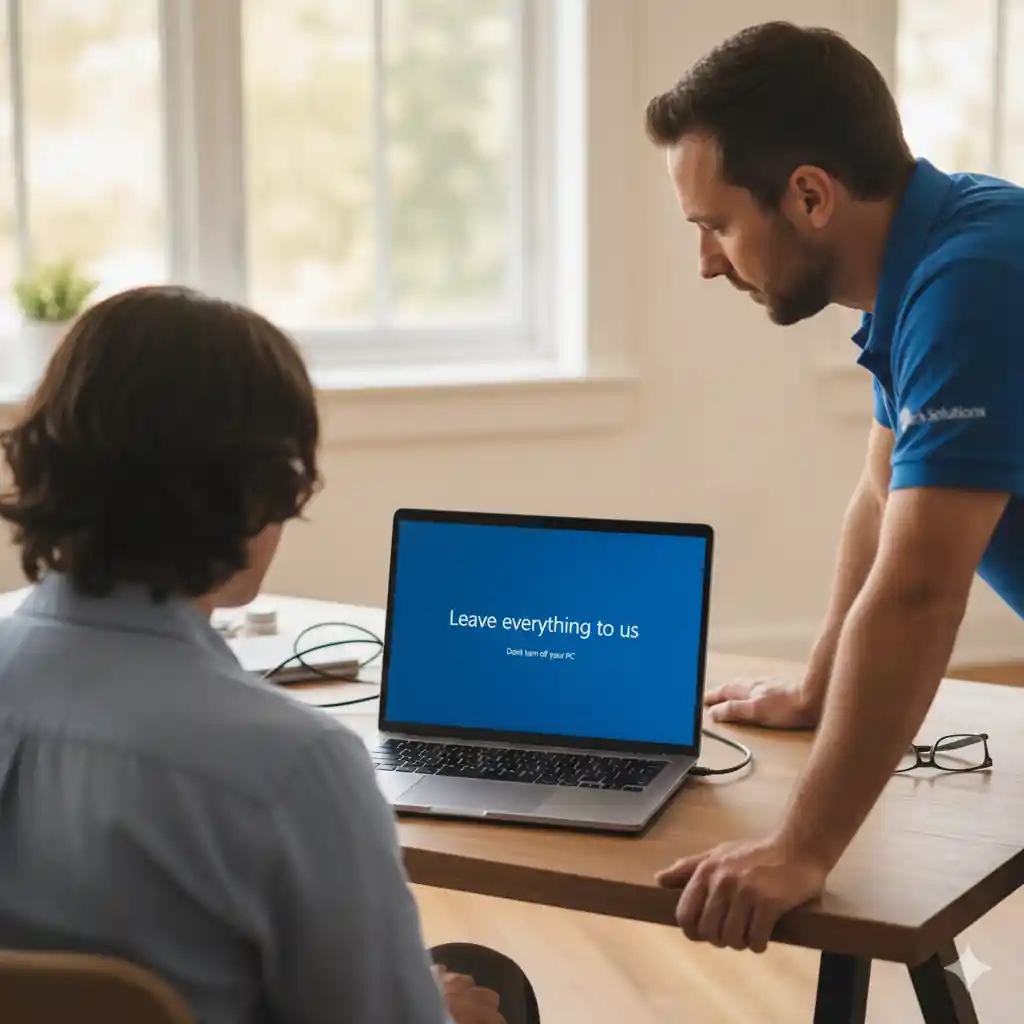
A Windows Technician is an IT support professional who specializes in fixing, maintaining, optimizing, and troubleshooting computers that run the Windows operating system. If your laptop is slow, freezing, crashing, or showing strange errors, the Windows Technician is the expert who brings it back to life.
In simple terms:
A Windows Technician is the person who ensures your Windows laptop or PC works smoothly, securely, and efficiently.
What Does a Windows Technician Do?
Here are the key responsibilities:
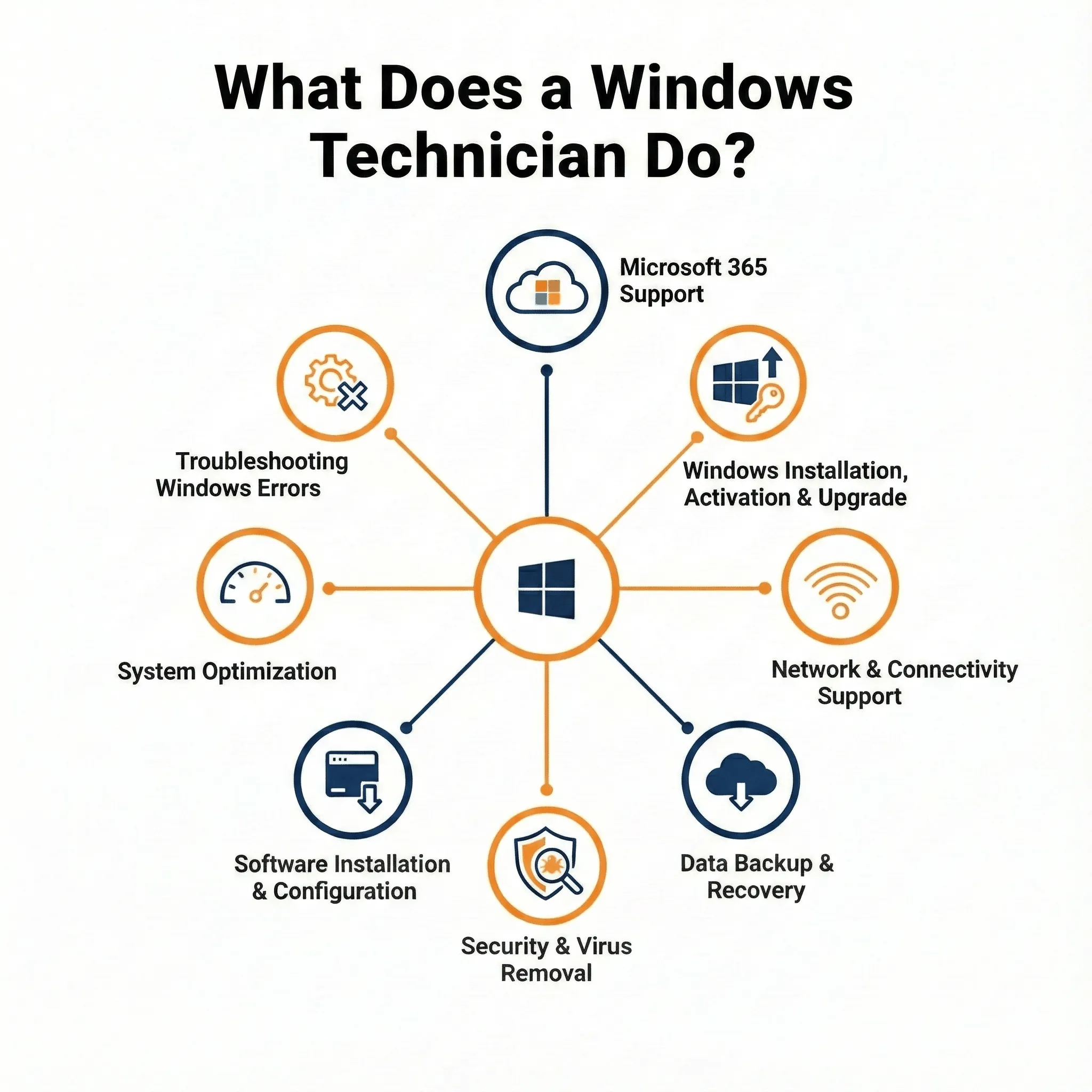
1. Troubleshooting Windows Errors
They diagnose and fix issues such as:
-
Blue Screen of Death (BSOD)
-
Black screen or no display
-
Windows update errors
-
Program crashes
-
Driver failures
-
Slow boot and freezing
2. System Optimization
A Windows Technician improves performance by:
-
Removing junk and temporary files
-
Managing startup apps
-
Updating drivers
-
Optimizing RAM and disk usage
-
Fixing background service issues
3. Software Installation & Configuration
They install and set up:
-
Microsoft Office
-
Zoom, SPSS, Adobe tools
-
Browsers and productivity apps
-
Antivirus and security tools
4. Windows Installation & Activation
This includes:
-
Installing Windows 10 / Windows 11
-
Fixing activation errors
-
Resolving “Windows not genuine” messages
-
Installing required updates and patches
5. Network & Connectivity Support
They help fix:
-
WiFi problems
-
Slow internet
-
VPN configuration
-
Printer and network sharing issues
6. Data Backup & Recovery
Including:
-
Recovering deleted or corrupted files
-
Backing up documents and system images
-
Setting up recovery drives
7. Security & Virus Removal
They protect your system by:
-
Removing malware
-
Configuring Windows Defender
-
Fixing ransomware damage (when possible)
-
Blocking harmful apps
Who Needs a Windows Technician?
Most Windows users will eventually need a Windows Technician, especially when their laptop is essential for work, studies, or business.
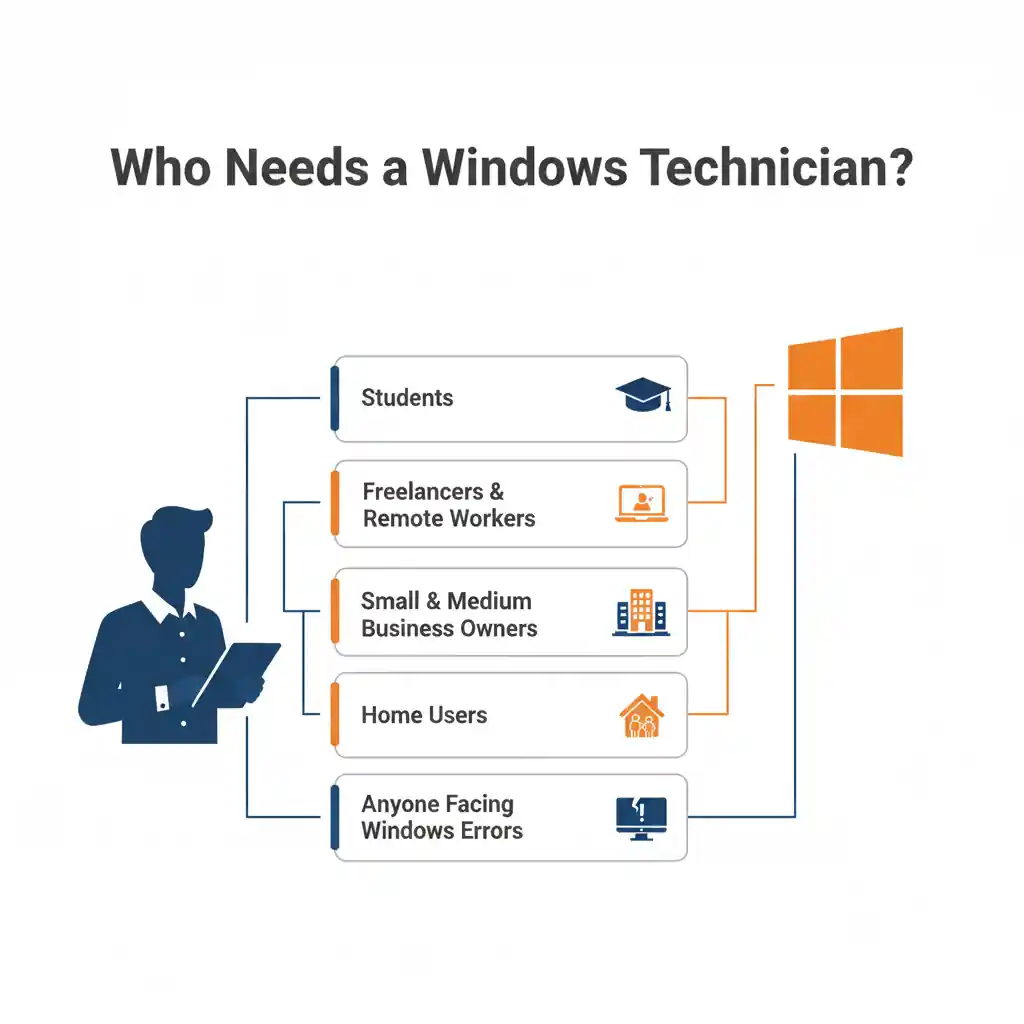
1. Students
Students dealing with:
-
Slow or freezing systems
-
School portal errors
-
SPSS, Zoom, or Zotero problems
-
Project/assignment file recovery
2. Freelancers & Remote Workers
Professionals who cannot afford downtime rely on technicians for:
-
VPN and remote work setup
-
Microsoft 365 errors
-
Adobe crashes
-
Performance optimization
3. Small & Medium Business Owners
Businesses need stable systems for:
-
Emails and Outlook
-
Accounting software (Sage, QuickBooks)
-
Network, printers, and shared drives
-
Windows updates and security enforcement
4. Home Users
Everyday users facing:
-
Slow PCs
-
Viruses
-
Internet connection issues
-
Update failures
5. Anyone Facing Windows Errors
If your computer becomes unusable or unpredictable:
-
Windows won’t boot
-
Laptop keeps freezing
-
Activation fails
-
Files disappear
-
System is infected
Essential Skills of a Windows Technician
A qualified Windows Technician should be equipped with:
-
Strong understanding of Windows OS architecture
-
Diagnostic and troubleshooting tools
-
Registry and system file knowledge
-
Networking fundamentals
-
Data backup and recovery techniques
-
Virus removal & system hardening
-
Good communication and patience
Why You Might Need One Today
-
You may urgently need a Windows Technician if:
-
Your laptop has suddenly become slow
-
You see a lot of errors
-
Your apps take too long to open
-
Windows shows blue screens
-
WiFi disconnects repeatedly
-
You can’t install or update software
-
Your system is infected with malware
A technician not only fixes the problem but ensures it doesn’t come back.
These skills ensure the technician can fix both simple issues and complex system failures.
Need Professional Windows Support?
If your Windows laptop is slow, crashing, failing activation, or showing errors, contact me at Firxttech. I’ll diagnose the issue, fix it, and guide you until everything works perfectly again.