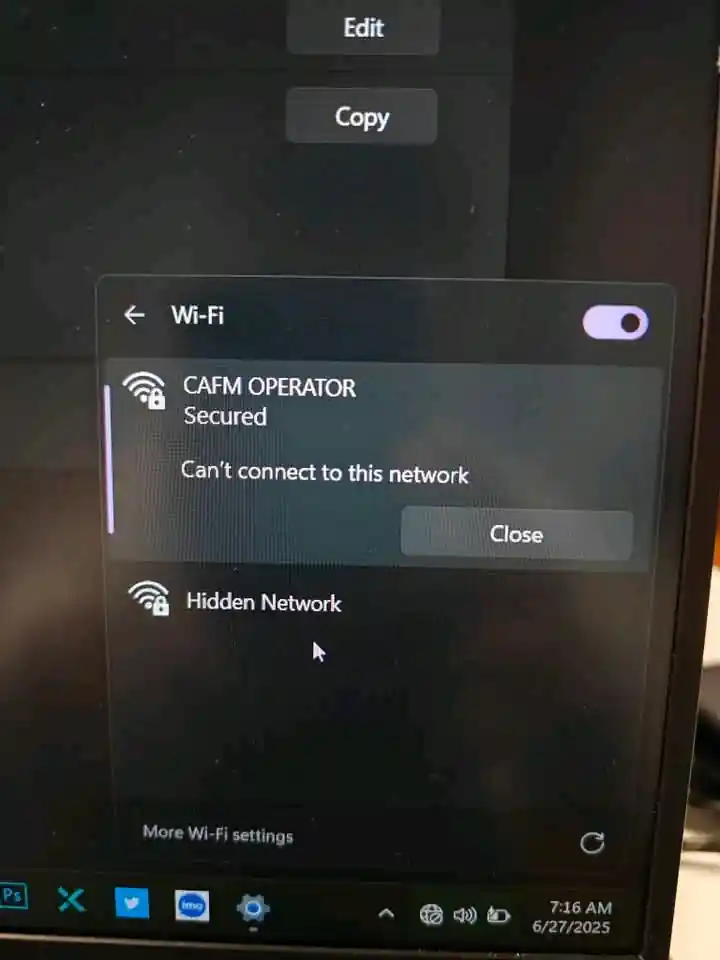

If you have tried all the usual Wi-Fi fixes and still seeing “Can’t connect to this network” on Windows? Here’s one more method most guides leave out. Try toggling Random Hardware Addresses.
Follow these steps:
-
Go to Settings
-
Go to Network & Internet
-
Select Wi-Fi
-
Look for Random hardware addresses
-
Turn it ON or OFF, then try reconnecting to your Wi-Fi again.
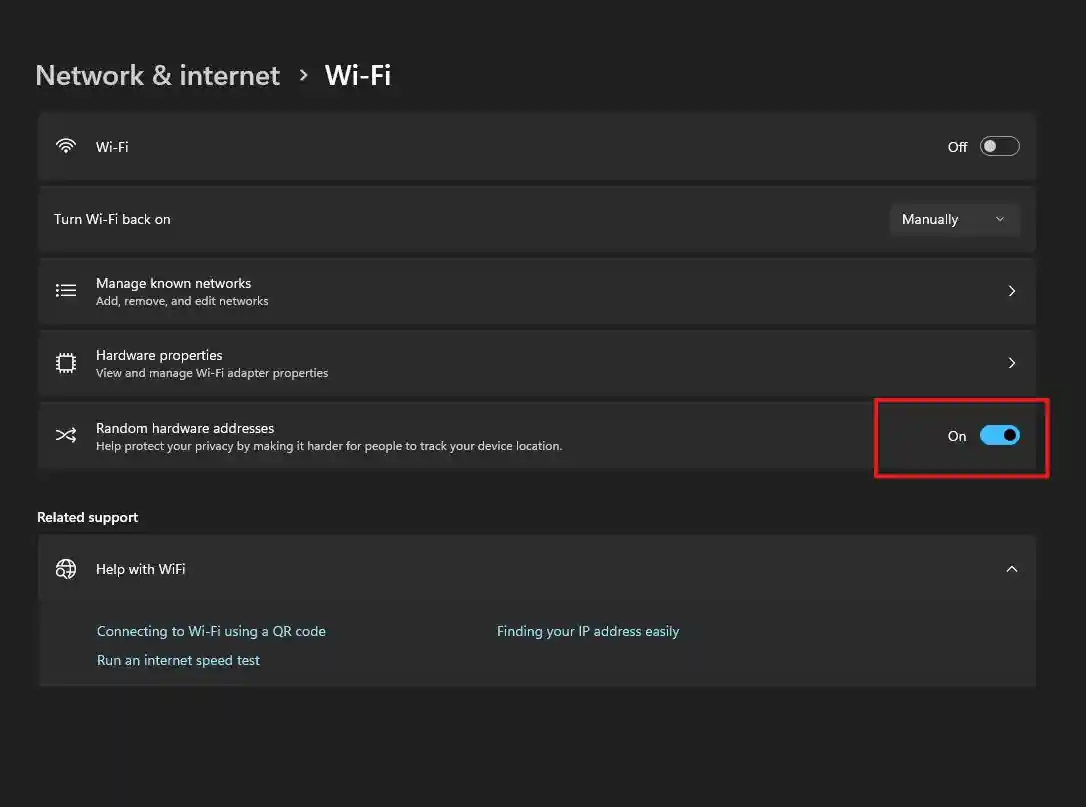
Turning Random Hardware Addresses ON or OFF may sometimes help resolve issues with Wi-Fi connectivity, but there are other solutions you can try out here.